Turn one long video into a week of social clips.
Paste a YouTube link or upload a file. ClipBuddy finds the best moments, reframes speakers, and packages short-form clips for the platforms your audience already watches.


Say goodbye to tedious editing
Repurpose your existing long-form content into platform-ready shorts without handing every edit to a timeline.

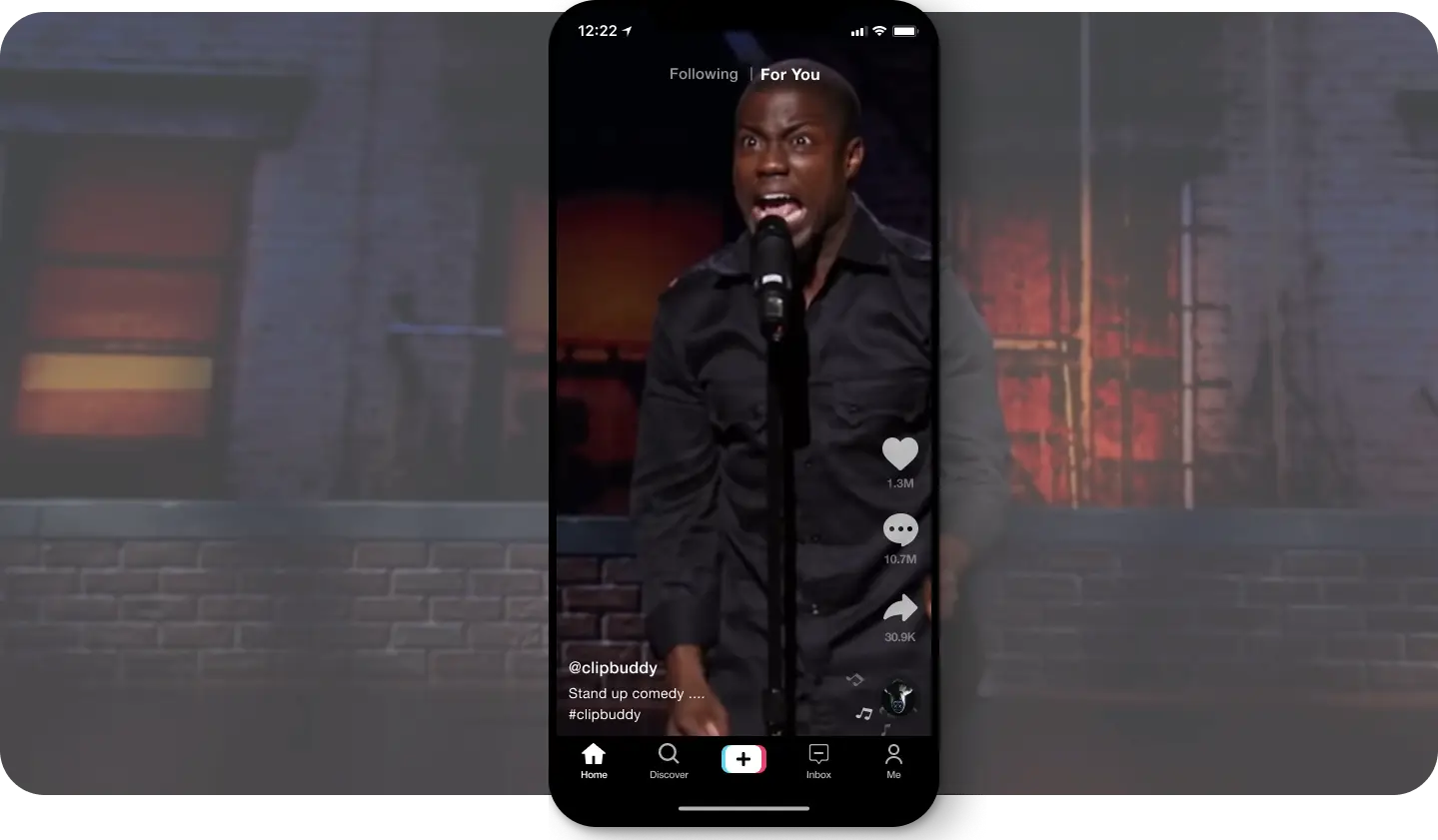
Auto Cropping
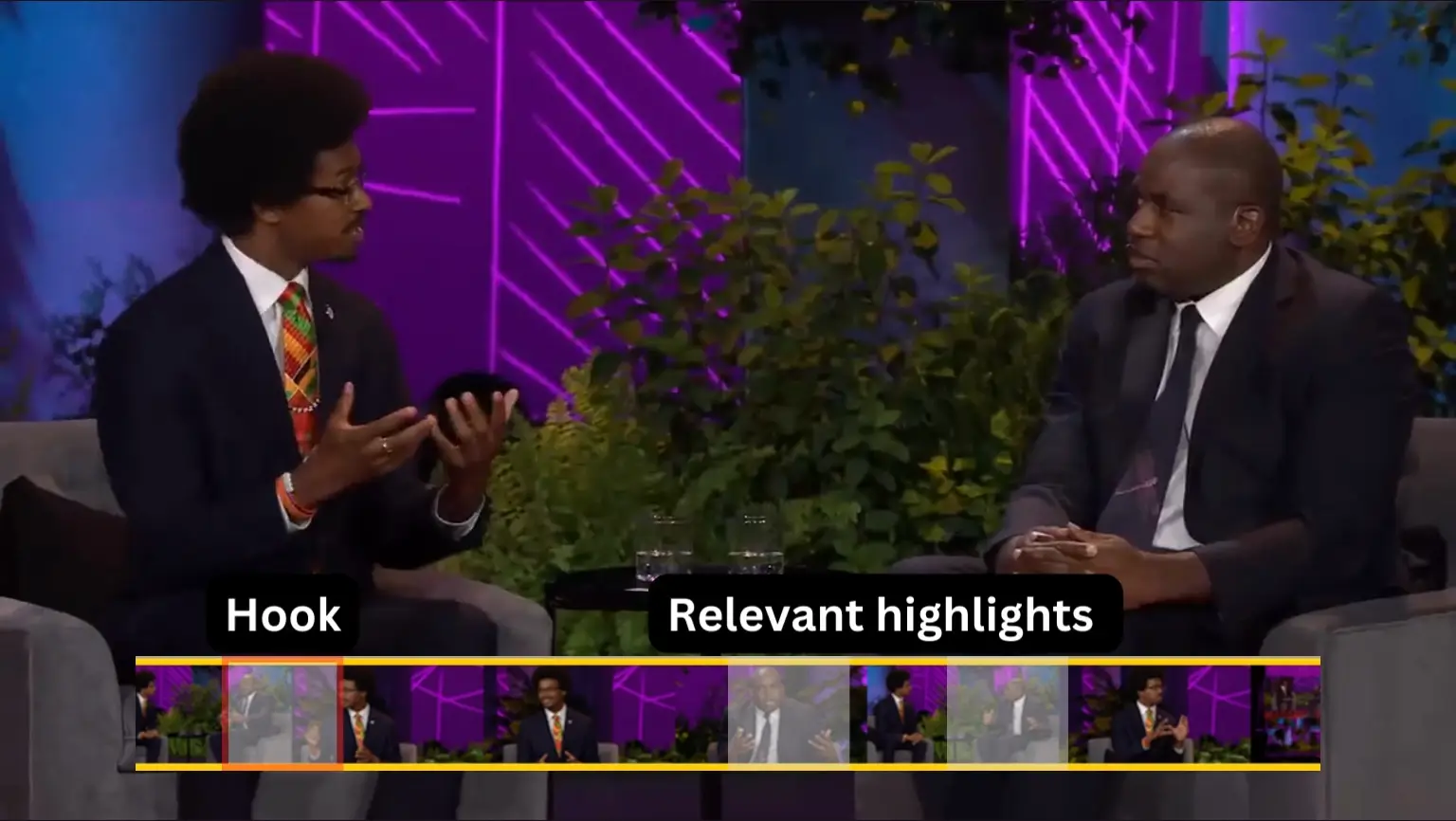
AI Curation
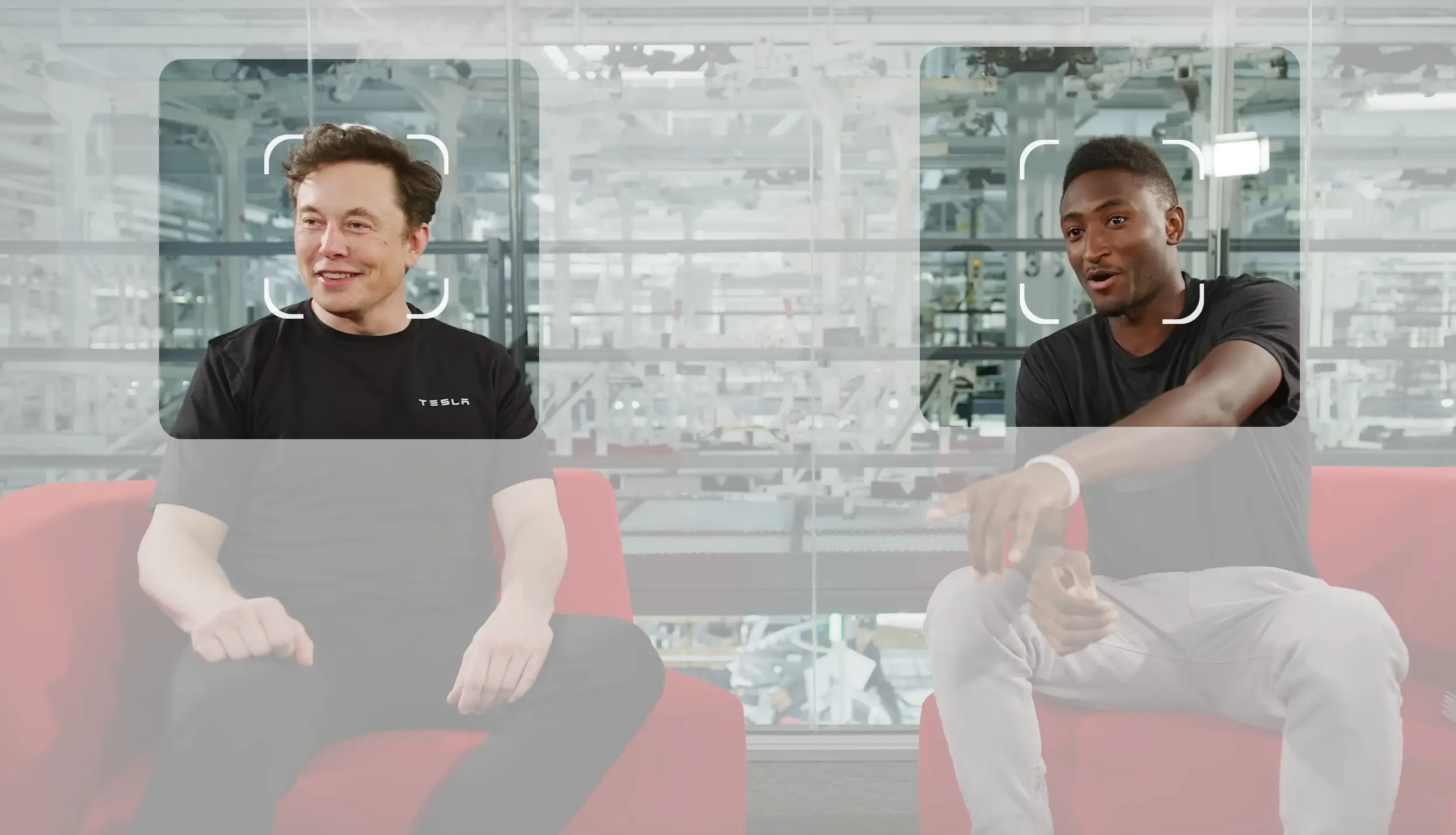
Auto Face Detection
Power-packed features
With the perfect blend of innovative engineering and state-of-the-art AI, amplify your audience and extend your digital influence through personalized viral content.
Speak in any language
Including but not limited to 🇺🇸/🇬🇧 English, 🇫🇷 French/français, 🇩🇪 German/deutsch, 🇪🇸 Spanish/español, 🇮🇹 Italian/italiano, 🇯🇵 Japanese/日本, 🇳🇱 Dutch/Nederlands, and 🇵🇹 Portuguese/português.
Auto Captioning
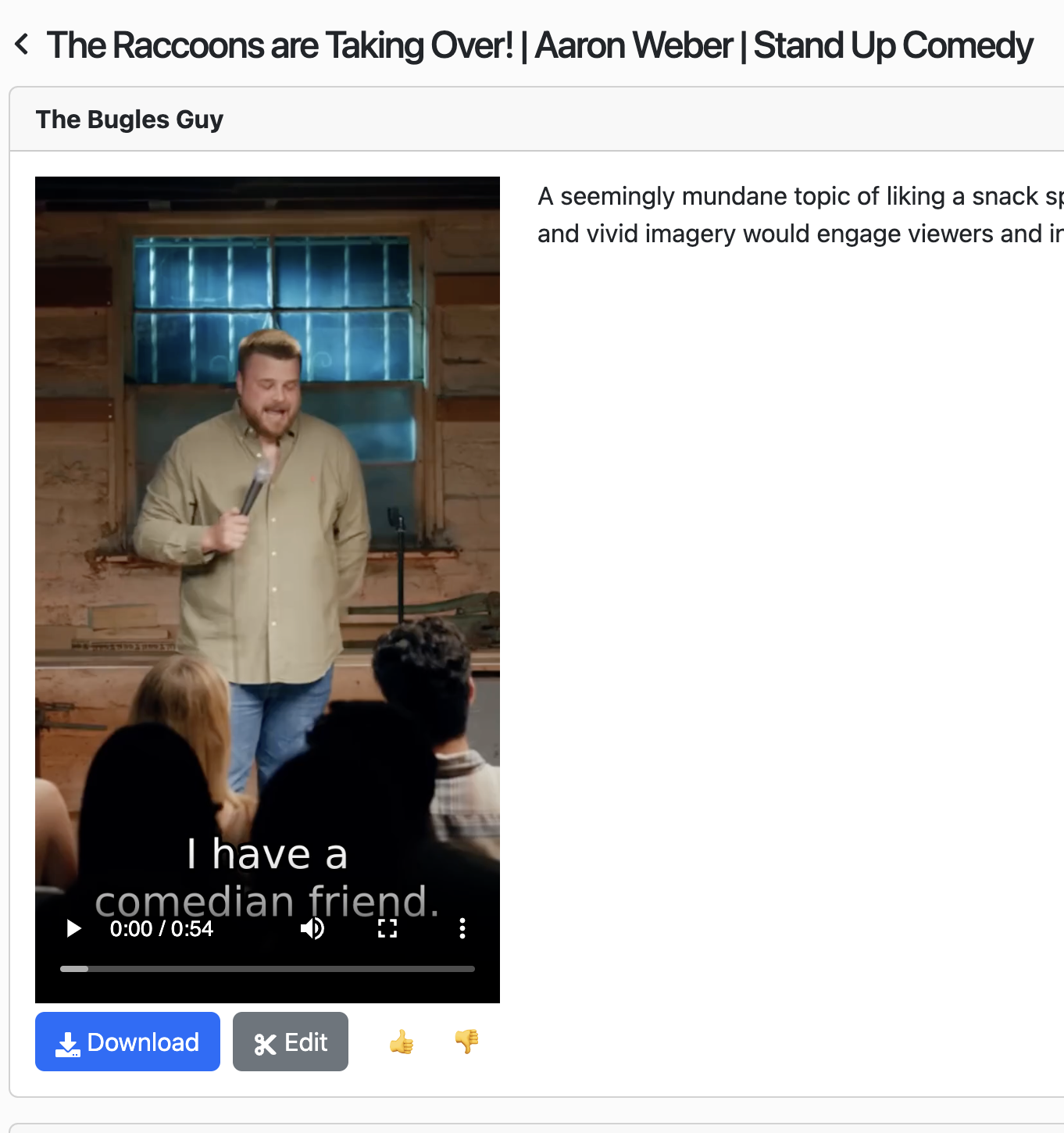
More than just captions. Our AI identifies key moments, adding dynamic, viewer-catching captions that hold attention and enhance engagement.
Resizing
Perfect fit, every time. Auto-adjust to the ideal 9:16 ratio, making sure your content shines across all devices.
Transitioning
Enjoy seamless transitions between visuals and audio, curated by our AI for smooth, professional-looking content.
Auto EmojiSoon
Boost emotions and engagement. Let our AI recommend emojis that amplify your message. Coming soon!
BrandingSoon
Effortlessly add your logo, watermark, and other branding elements to personalize your content. Coming soon!
How it works
Create engaging, viral content in three simple steps.
1Create new project
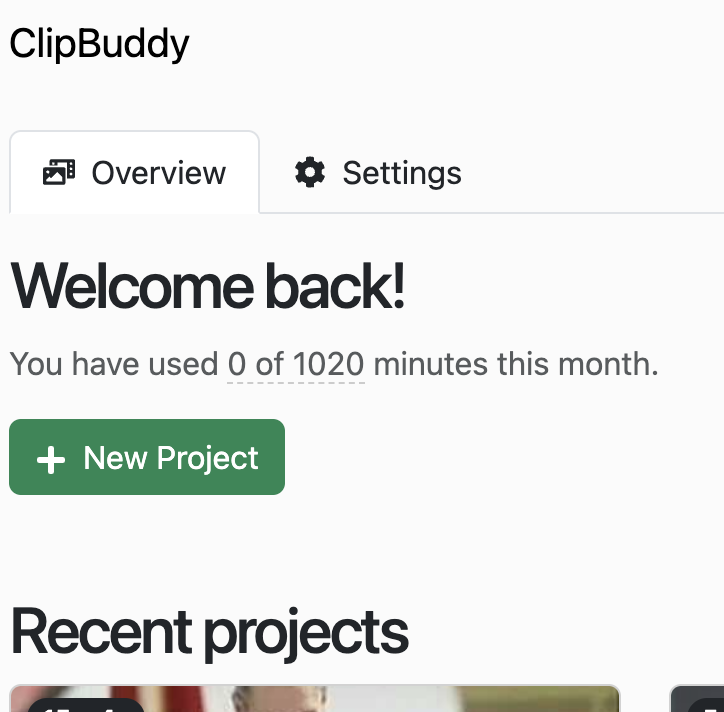
2Upload your content
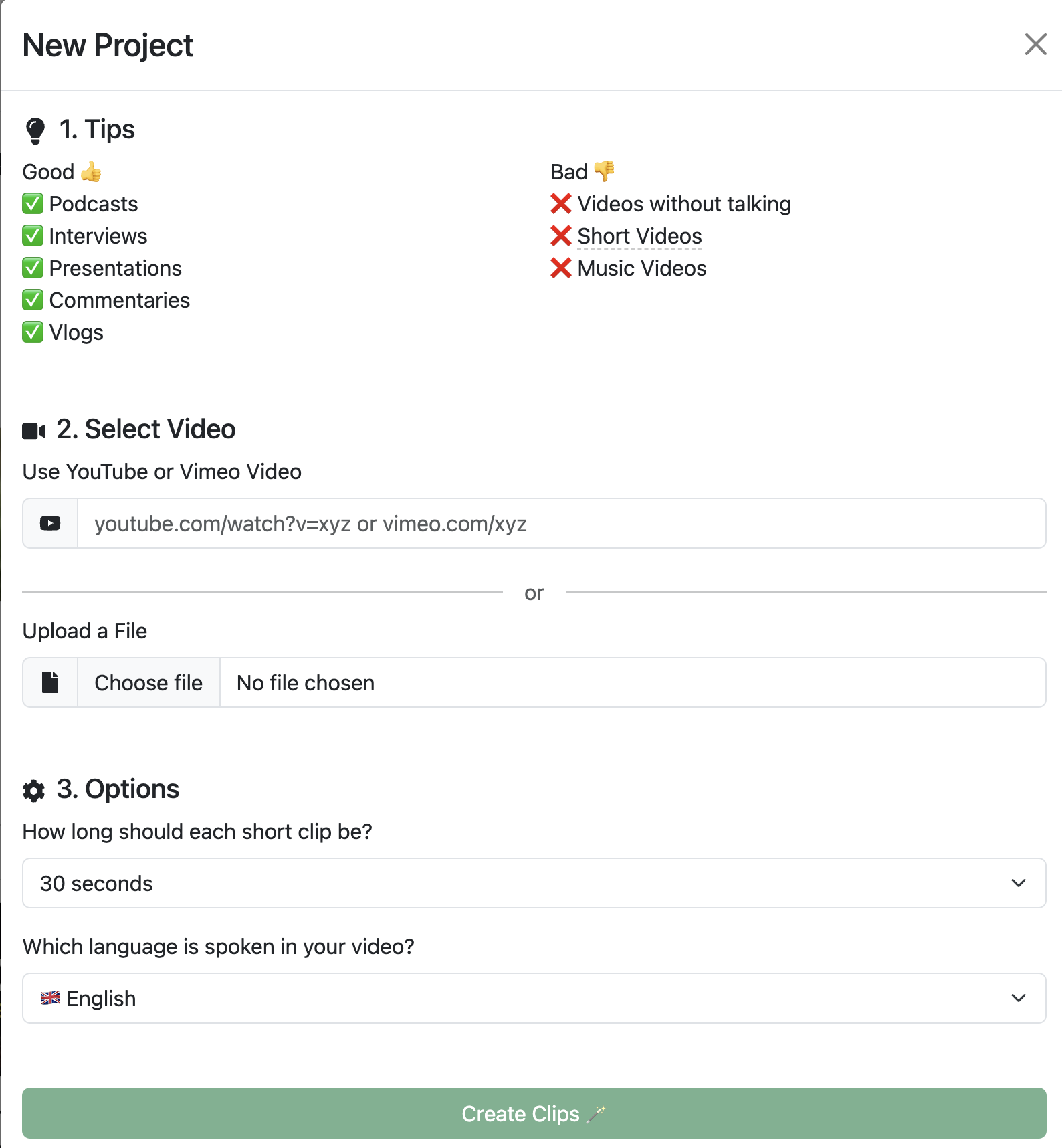
3Download your clips
Pricing
Pay for what you need. Cancel anytime.
Standard
$9/ month
What's Included
- Upload 60 minutes of video
- Auto Captioning
- AI Auto Curation
- Email support
- Continuous improvements
- No hardware requirements
Creator
$12/ month
What's Included
- Upload 120 minutes of video
- Auto Captioning
- AI Auto Curation
- Priority Email support
- Continuous improvements
- No hardware requirements
Pro
$60/ month
What's Included
- Upload 600 minutes of video
- Auto Captioning
- AI Auto Curation
- Priority Email support
- Continuous improvements
- No hardware requirements
Can I use ClipBuddy for podcasts?
Yes. Podcasts are one of the best use cases for ClipBuddy, especially video podcasts, interviews, expert conversations, and long-form discussions. ClipBuddy can identify self-contained moments, crop around active speakers, and generate short clips you can use as teasers for YouTube Shorts, Instagram Reels, TikTok, LinkedIn, or podcast promotion. For best results, use episodes with clear speech, distinct topics, and at least a few minutes of usable conversation.
Which languages do you support?
ClipBuddy supports a wide variety of languages with English being the leader of the pack. Create short videos in 🇺🇸/🇬🇧 English, 🇫🇷 French/français, 🇩🇪 German/deutsch, 🇪🇸 Spanish/español, 🇮🇹 Italian/italiano, 🇯🇵 Japanese/日本, 🇨🇳 Chinese/中国人, 🇳🇱 Dutch/Nederlands, 🇺🇦 Ukrainian/українська, and 🇵🇹 Portuguese/português.
How much time can I expect to save?
ClipBuddy streamlines the process of creating and editing short clips, allowing you (or your video editor) to concentrate on full-length videos. This method can be up to 30 times more cost-effective.
What kind of videos work best?
ClipBuddy works best with spoken long-form content such as podcasts, interviews, webinars, presentations, tutorials, commentaries, and educational videos. Videos with clear audio, visible speakers, and topic changes usually produce the strongest clips.
What videos are not a good fit?
Very short videos, music videos, videos with little or no speech, and heavily edited visual montages are usually not ideal. ClipBuddy is designed to find useful spoken moments and repackage them, not to replace creative music-video or cinematic editing.
Can I edit the clips after they are generated?
Yes. After ClipBuddy generates clips, you can open each clip, review it, download it, or make edits before publishing. The goal is to remove the repetitive first pass while still letting you control the final result.
Can I upload files directly instead of using YouTube?
Yes. You can paste a YouTube or Vimeo URL, or upload a video file directly from your device. Direct uploads are useful when the video is unpublished, private, or exported from your editing workflow.
I'm not a tech-savvy person. How easy is it to use ClipBuddy?
We've designed ClipBuddy with creators like you in mind. Our intuitive interface requires no prior editing experience. Just upload your content, and let ClipBuddy do the rest!
How does ClipBuddy ensure the quality of the short clips?
ClipBuddy utilizes advanced algorithms to detect the most engaging parts of your videos. Our AI is trained to identify and highlight key moments, ensuring that your audience only sees the best parts.
Do you share or sell my video content to third parties?
No, we never share, sell, or distribute your content to any third party. Your content is yours alone, and we respect that.